
Turn Your Services Into Bookings and Revenue
Create a service booking page that shows what you offer, how long it takes and what it costs. Customers choose a service, pick a time and pay, all in one go.
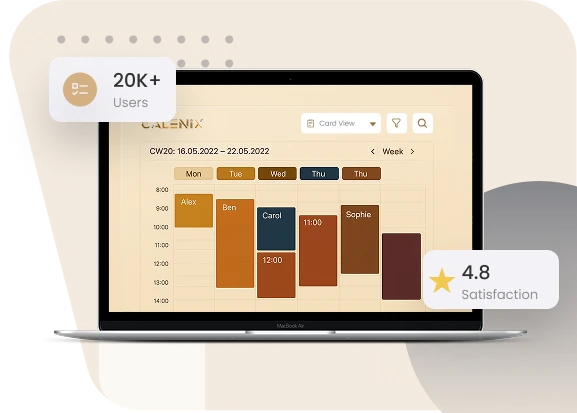

The problem
Customers want to know three things before they book: what you offer, what it costs and when you are free. If they have to call or email to find out, many will not. A clear service page answers all three and lets them book on the spot.
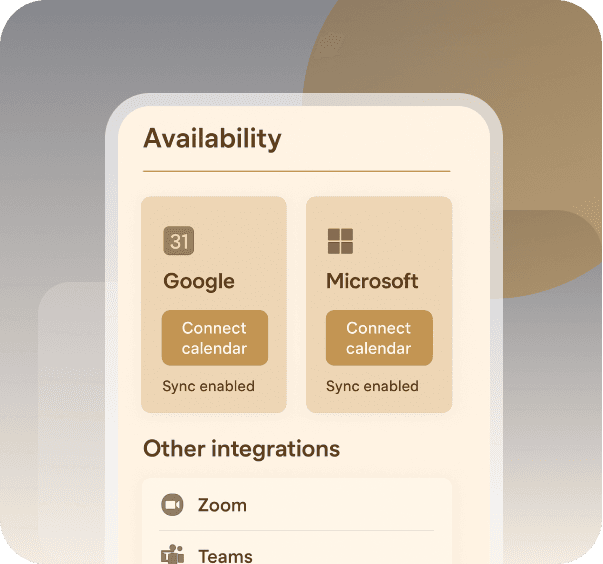
How it works
- Add your services: Enter names, prices, durations and photos.
- Choose payment options: Connect Stripe or PayPal, or accept offline payment.
- Share your page: Customers pick a service, choose a time and book.
What your service page can do
Show your services clearly
Add each service with a name, image, price and duration.
Let customers choose who they see
Assign a specific staff member, or let customers book any available provider.
Take payment your way
Accept card, Stripe, PayPal or offline payment such as bank transfer.
Reward loyal customers
Offer coupons and repeat-visit options with discounts.
Set where you work
Define service areas by postcode, so only customers you can reach can book.
Pick a layout
Use a simple one-page layout or a checkout-style flow.

Built for service businesses
- Cleaning and home services: Take bookings only in the areas you cover.
- Salons and wellness: Let clients pick a treatment and a staff member.
- Tradies and repairers: Show your call-out services and prices up front.
- Tutors and trainers: Sell single sessions and repeat-visit packages.
Service Booking FAQs
Quick answers about Service Booking in Calenix.
Make It Easy to Choose You
Build a service booking page that shows your prices, takes bookings and collects payment, any time of day.