Let Customers Meet You the Way They Prefer
Offer video, phone and in-person meetings from one booking page. Calenix creates the meeting link or shares the address automatically, so every customer knows exactly how to join.

The problem
Some customers want to meet face to face. Others would rather jump on a quick video call. If your booking process only offers one option, you lose the rest. Creating meeting links by hand for every booking does not help either.
How it works
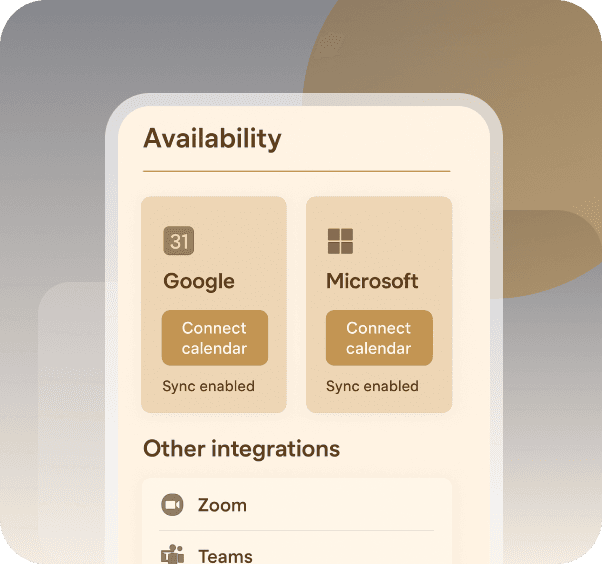
- Connect your video tool: Link Zoom, Google Meet or Microsoft Teams.
- Choose your options: Add video, phone and in-person locations to a meeting type.
- Let customers pick: They choose how to meet and get everything they need to join.
One booking page, every way to meet
Video calls made automatic
Connect Zoom, Google Meet or Microsoft Teams and a unique meeting link is created for every booking.
Phone calls
Offer a phone option for customers who prefer to talk.
In person
Add one or more addresses so customers know where to go.
Customer's choice
Let customers enter their own location when you go to them.
Details everywhere
The meeting link or address is included in the booking and added to your calendar.

Who it suits
- Consultants and advisers: Meet local clients in person and everyone else online.
- Health and wellness practitioners: Offer telehealth or in-clinic sessions.
- Tutors and coaches: Teach in person or online from the same page.
- Sales teams: Run online demos and on-site meetings.
Online and In-Person Appointments FAQs
Quick answers about Online and In-Person Appointments in Calenix.
Meet Online, In Person or Both
Give customers the choice and let Calenix handle the links and addresses.