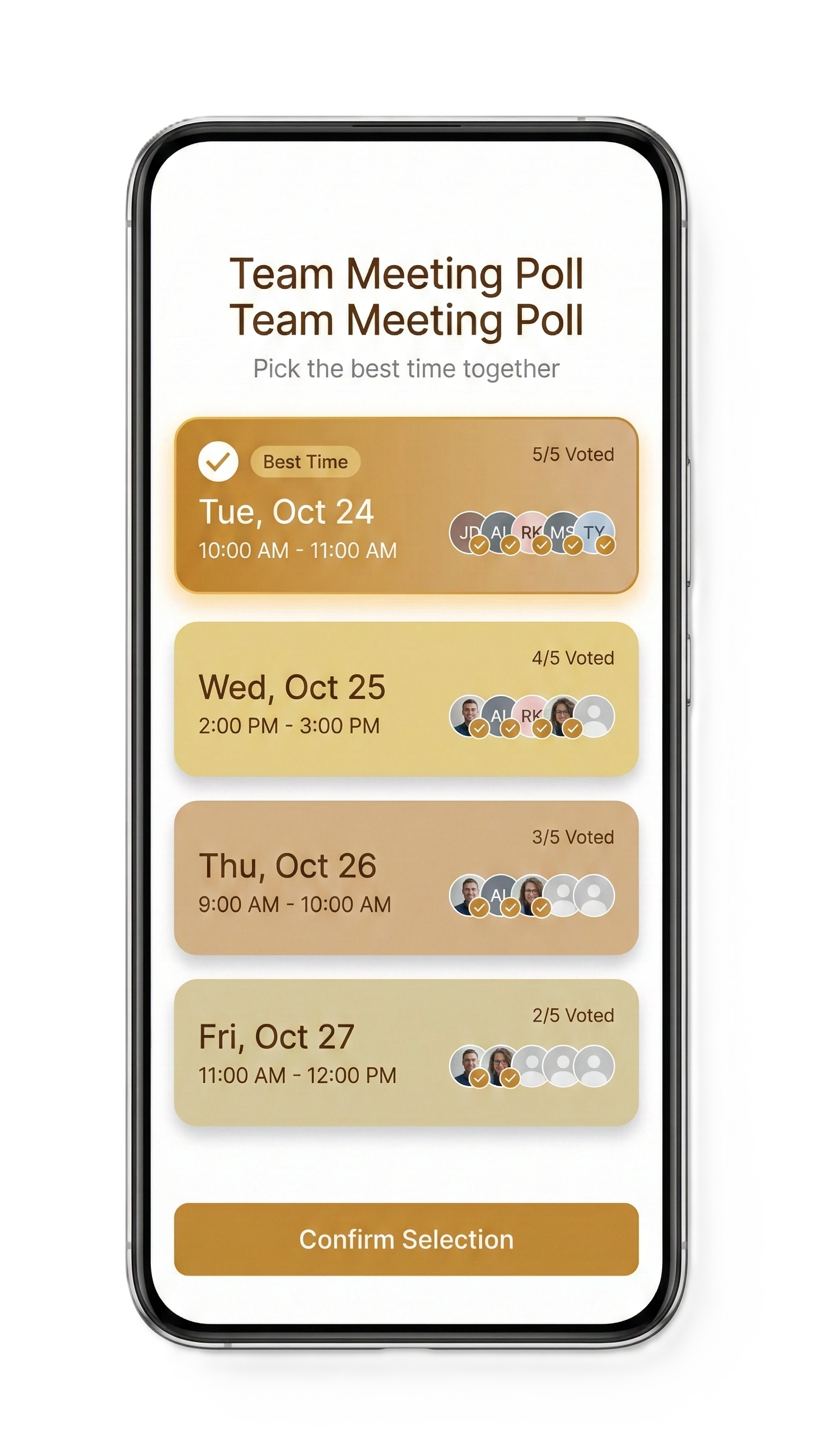
Find a Time That Works for Everyone, Without the Reply-All
Pick the dates and time window that suit you, share one poll link, and let people choose. Calenix only offers times you are free across all your connected calendars.
Date polls are included in the Free planCompare plans
The problem
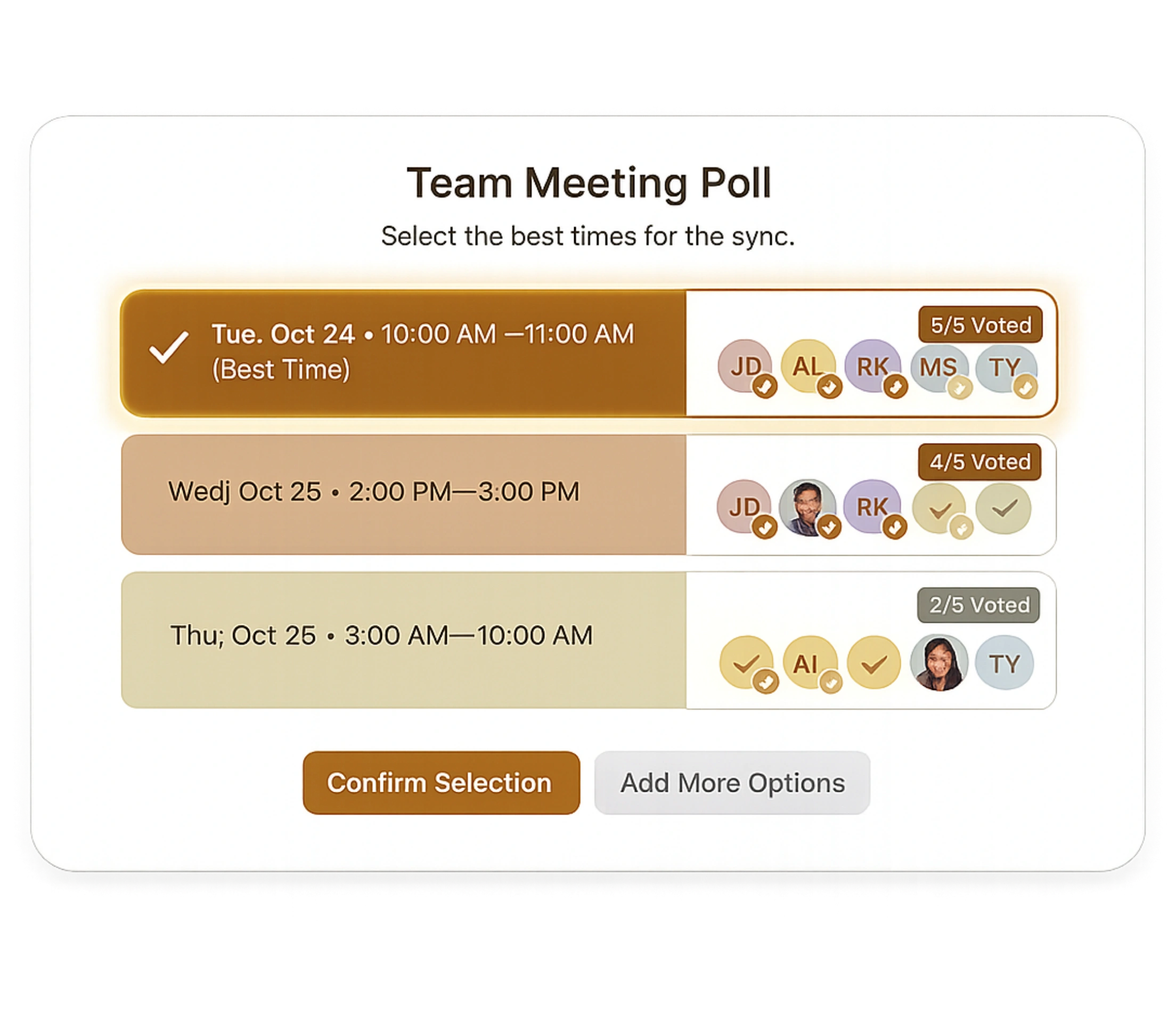
Getting five busy people into one room can take a week of emails. Everyone replies with different times, someone misses the thread, and by the time you agree, half the options have gone. Group scheduling should not feel like a project.
How it works
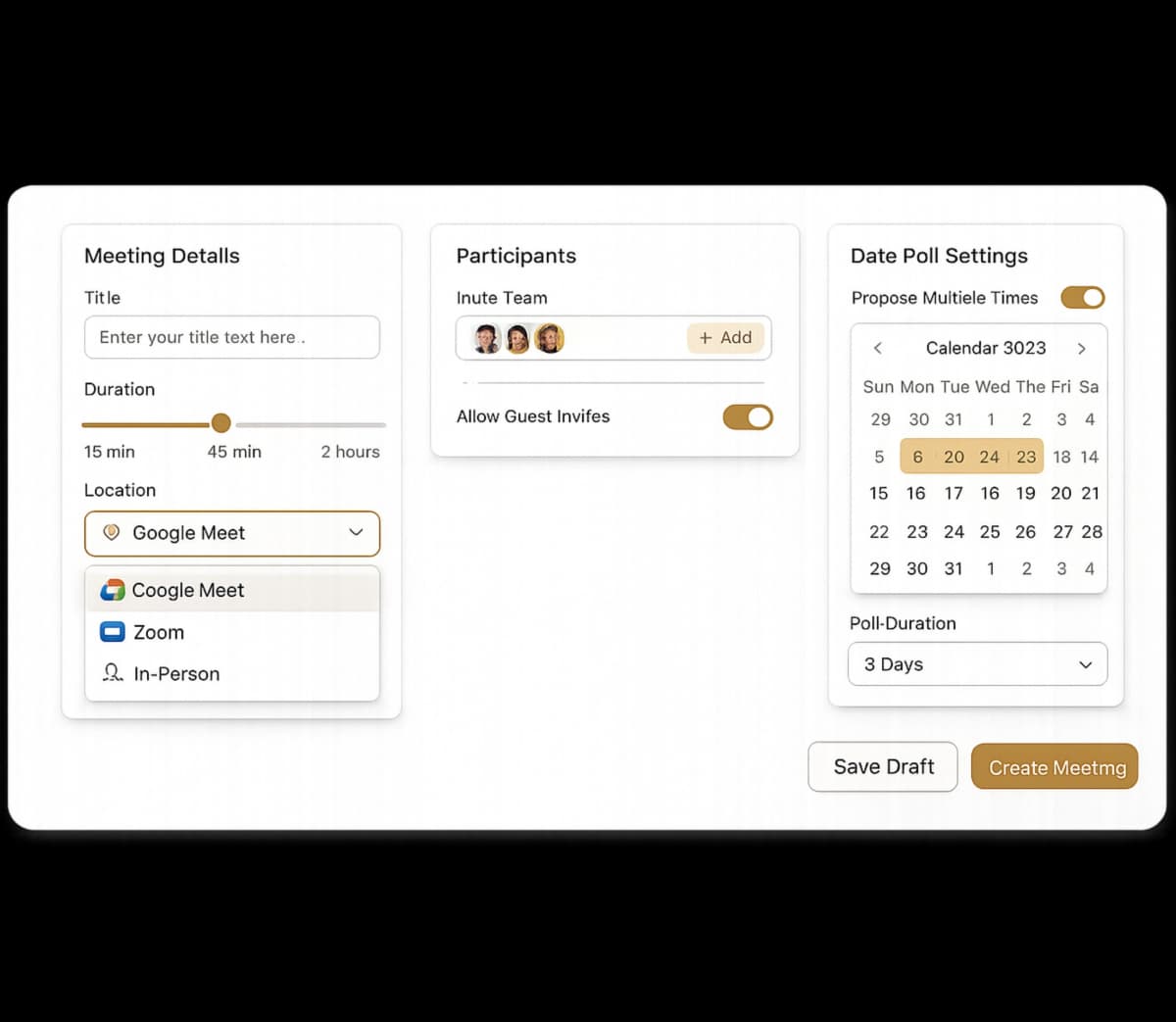
- Pick your dates: Choose the days and the time window you are happy to meet.
- Share your poll: Send the link to everyone you need in the meeting.
- Lock it in: People choose from your open times and the meeting is set.
Why meeting polls save time
One link for everyone
Share a single poll link by email, chat or message.
Only real options
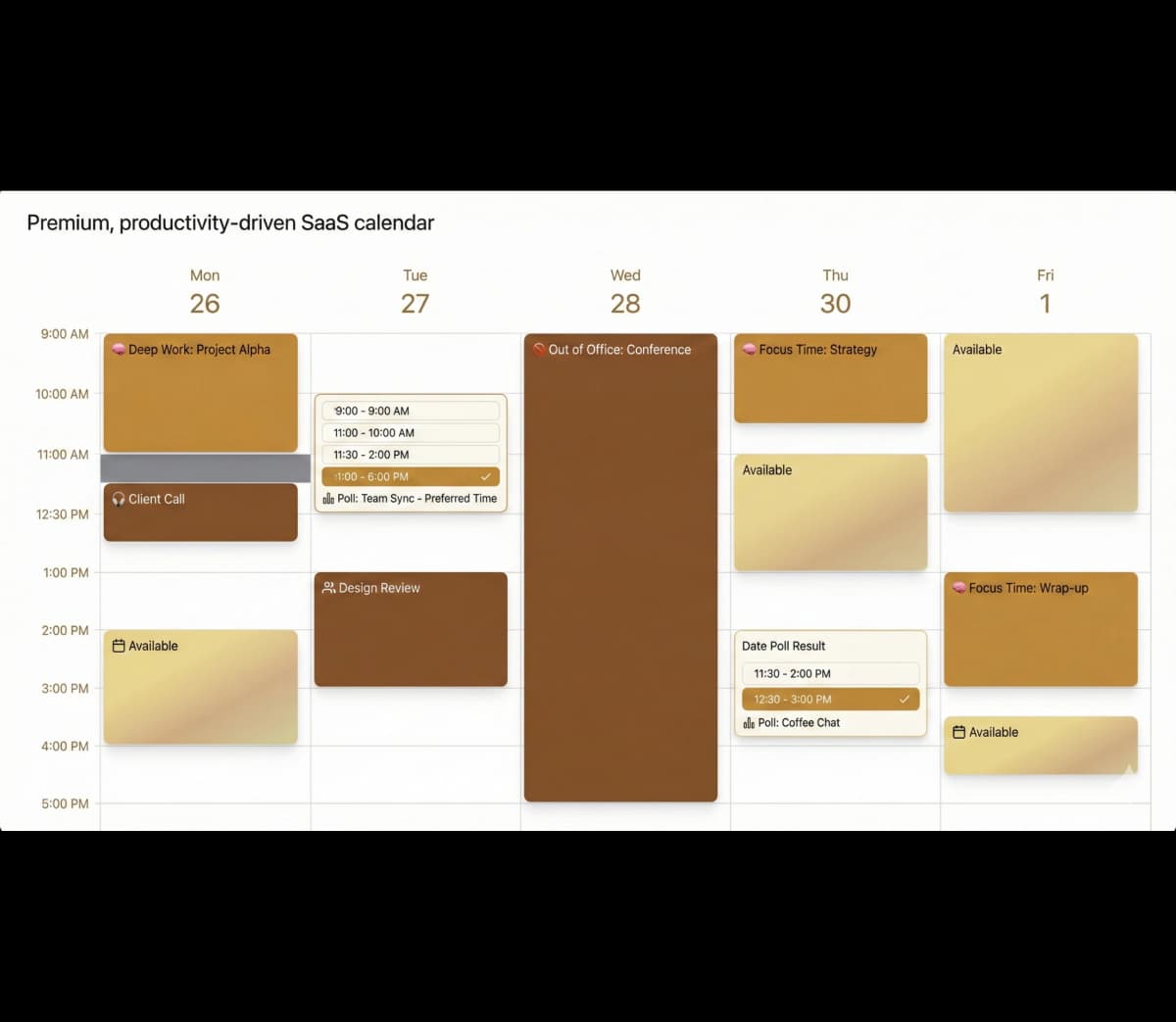
Calenix shows only the times you are free across every connected calendar.
You set the window
Choose the dates and the time range for each day, so people only see times that suit you.
Breathing room built in
Add an optional break after each meeting so your day does not run back to back.
Publish when ready
Polls start as drafts, so you can check everything before you share.

Who uses meeting polls
- Project and team leads: Arrange kick-offs and reviews across busy diaries.
- Legal and finance teams: Coordinate clients, counsel and colleagues.
- Committees and boards: Organise meetings with members outside your company.
- Event organisers: Agree on dates with speakers and partners.
Meeting Polls FAQs
Quick answers about Meeting Polls in Calenix.
Book Group Meetings in Minutes, Not Days
Create a meeting poll, share one link and get everyone on the same page.
Compare Calenix