
Booking Pages That Look Like Your Business, Not Ours
Add your logo, colours, fonts and images to your Calenix pages, so every booking feels like a natural part of your brand from the first click to the confirmation.
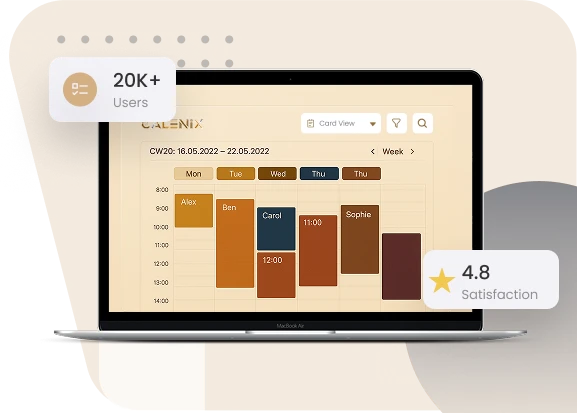

The problem
You spend time and money building a brand, then send customers to a booking page that looks generic. The change in look makes people hesitate, and hesitation costs bookings. Your scheduling should feel like part of your business.
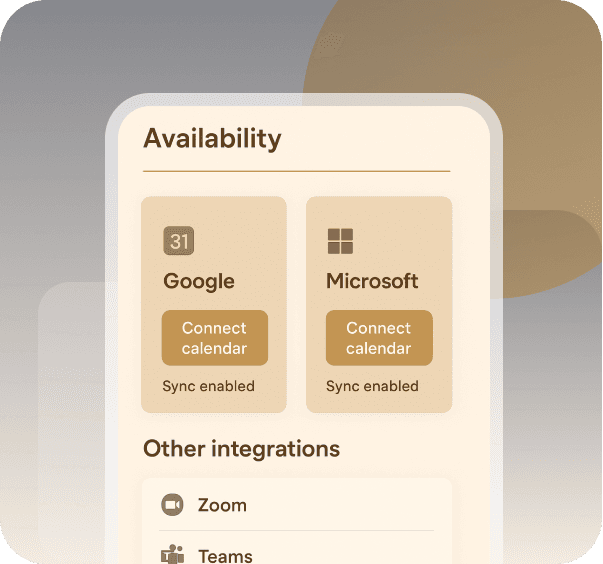
How it works
- Create a theme: Upload your logo and choose your colours, fonts and images.
- Apply it: Use your theme on booking pages, service pages and landing pages.
- Share with confidence: Send customers a booking experience that looks and feels like you.
Make every touchpoint on-brand
Your logo, front and centre
Add your logo so customers know exactly who they are booking with.
Your colours and fonts
Set primary, secondary, background, text and header colours, gradients and a font family that matches your website.
Your imagery
Add background, header and footer images that set the tone for your business.
Themes you can reuse
Save a theme once and apply it across your booking pages for a consistent look.
Less of us, more of you
On eligible plans, remove the Powered by Calenix badge for a fully branded experience.
Works with your domain
Pair your branding with a custom domain so even the web address carries your name.

Who it is for
- Agencies and consultancies: Give clients a polished experience that matches your proposals.
- Clinics, salons and studios: Make booking feel like part of your shop or practice.
- Growing businesses: Keep every page consistent as your team and services grow.
- Personal brands: Present a professional, recognisable look wherever you share your link.
Custom Branding FAQs
Quick answers about Custom Branding in Calenix.
Let Every Booking Strengthen Your Brand
Add your logo, colours and images to your booking pages and give customers an experience they recognise and trust.